Learn how to use auto comment fanpage tools to automate Facebook page engagement, attract more customers, and scale your marketing effortlessly in 2025.
🚀 Introduction
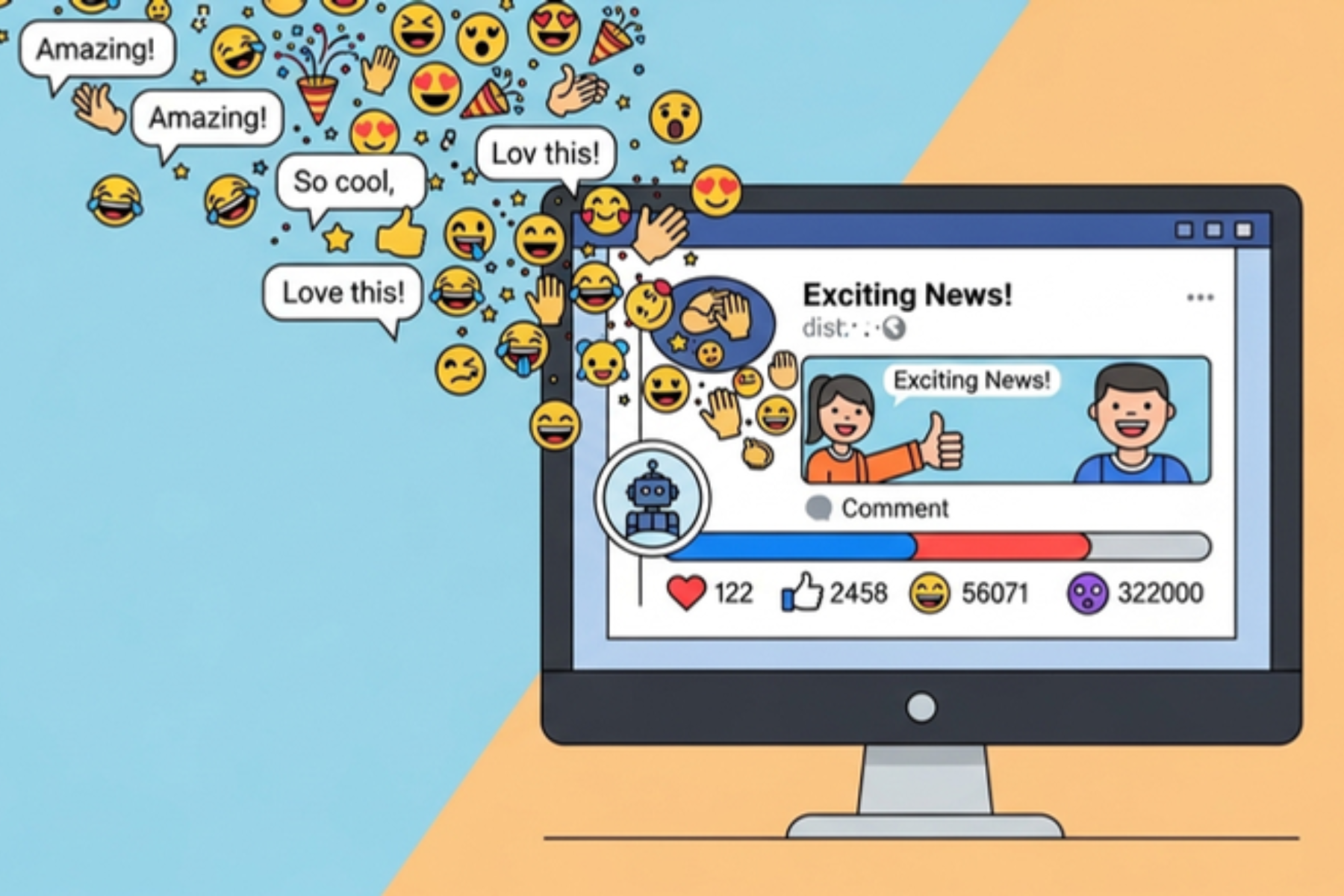
If you’re managing a Facebook page in 2025, you know the grind: post consistently, reply quickly, keep followers engaged. But doing all this manually? Exhausting. That’s where auto comment fanpage tools step in.
These tools allow you to automate comment interactions on your Facebook fanpage — helping you grow faster, look more active, and attract more leads with less effort.
🤖 What Is Auto Comment Fanpage?
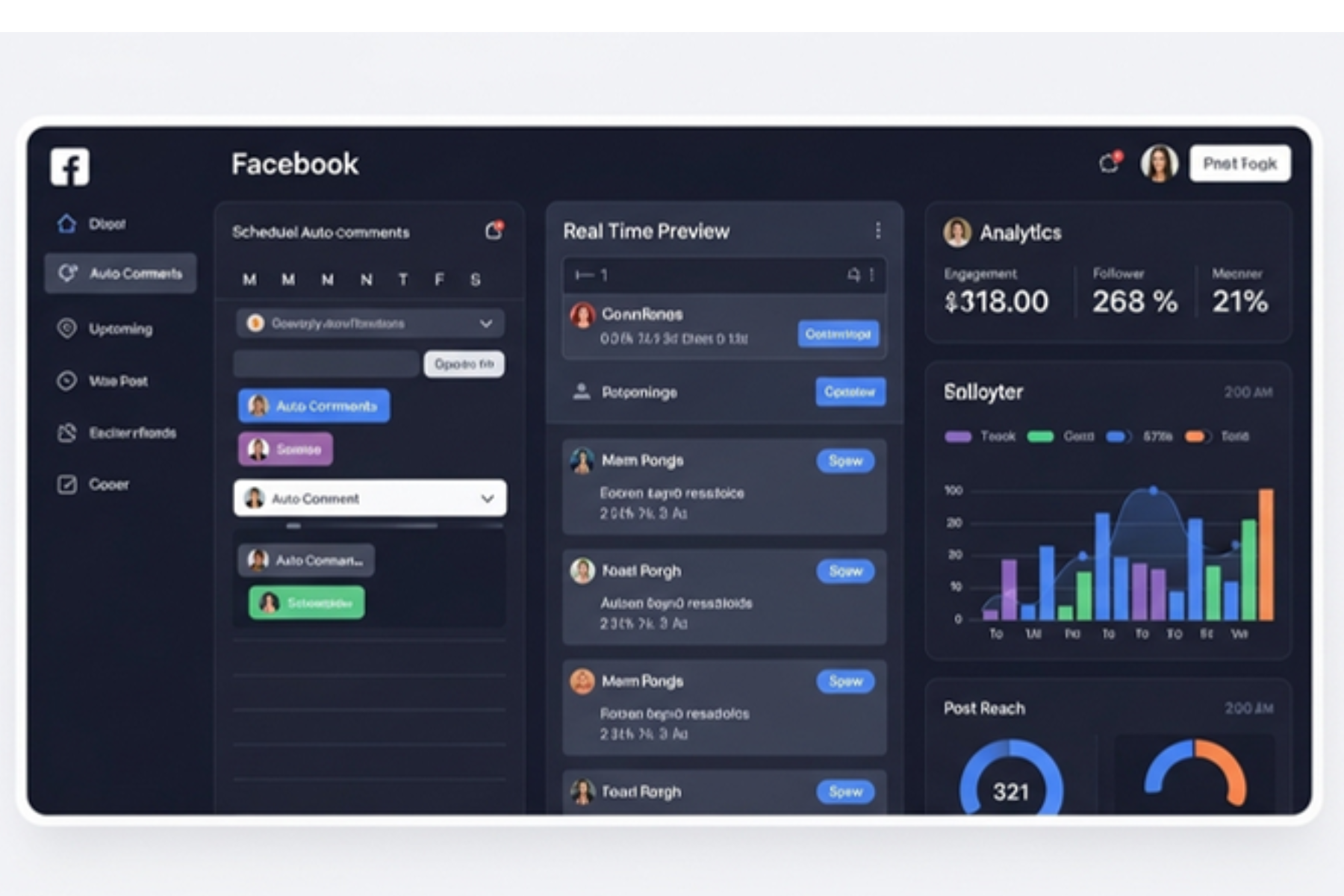
Auto comment fanpage refers to the use of automation software that can automatically comment on posts published on a Facebook fanpage. This includes:
-
Posting scheduled comments under your own content
-
Replying automatically to user comments
-
Using multiple accounts to boost social proof
-
Triggering inbox messages through comment replies
In short: these tools let your page “stay alive” and interactive 24/7 — even while you sleep.
📈 Why Auto Commenting on Fanpage Still Works in 2025
Even with algorithm updates, comments are one of the most powerful signals Facebook uses to determine reach. A post with more comments:
-
Shows up more often in followers’ feeds
-
Appears more popular and credible
-
Encourages more users to engage
-
Increases organic reach without paying for ads
So if you’re not using an auto comment fanpage strategy, you’re leaving engagement (and sales) on the table.
🛠️ How to Use Auto Comment Fanpage Tools (Step-by-Step)
Let’s walk through a typical setup using a tool like MKT Post:
Step 1: Connect Your Fanpage
Login securely using cookie or token methods — never your password.
Step 2: Select Target Posts
Choose which post(s) you want to auto-comment on. You can also let the tool auto-select your most recent content.
Step 3: Write Comment Templates (with Spintax)
Example:
Step 4: Set Schedule & Frequency
-
E.g., 1 comment every 20 minutes
-
Use random delay to mimic human behavior
Step 5: Launch Campaign & Monitor
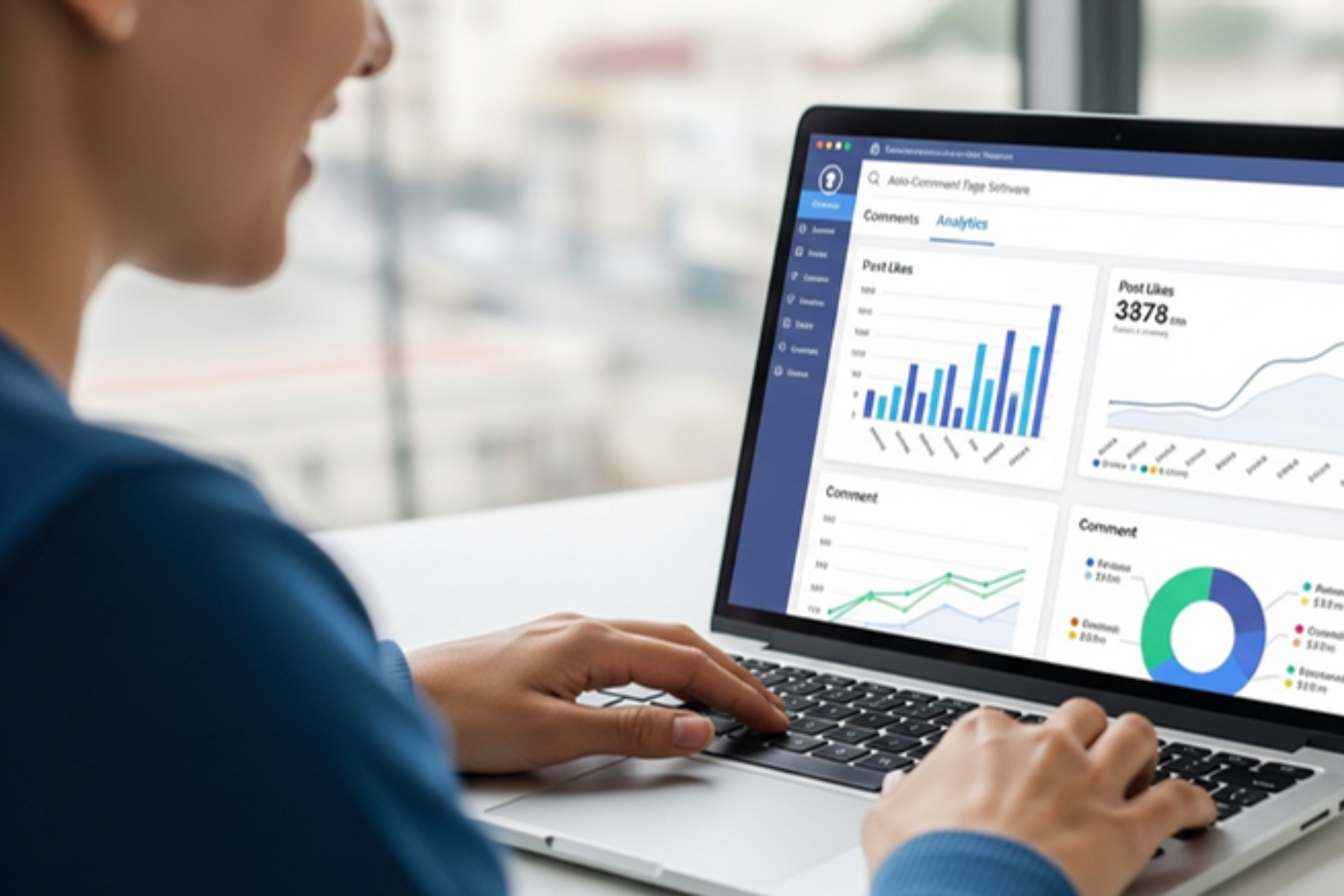
Track performance with built-in dashboards: comment counts, inbox responses, CTR, etc.
🧠 What Can Auto Comment Fanpage Do for You?
| Use Case | Benefit |
|---|---|
| Product promotion | Re-comment deals to maintain visibility |
| Lead capture | Auto-comment to trigger inbox messages |
| Seeding | Use backup accounts to comment and create conversation |
| Campaign launch | Schedule multiple comments to remind users of deadlines or events |
| FAQ automation | Auto-answer repeated questions in comments |
Bonus Tip: Use auto comment fanpage + auto inbox combo to create a full customer journey funnel 🔁
🔐 Safety Tips When Using Auto Comment Fanpage Tools
To avoid Facebook penalties, follow these smart rules:
✅ Use varied, human-like comments
✅ Stick to your own page posts — don’t spam others
✅ Use aged accounts if commenting with secondary profiles
✅ Don’t exceed safe limits (max ~30–50 comments/day)
✅ Add real manual engagement too (likes, replies)
Remember: Facebook rewards authenticity, not bots.
💼 Best Auto Comment Fanpage Tools in 2025
| Tool | Features |
|---|---|
| MKT Post | Easy-to-use UI, fanpage support, spintax, multi-profile support |
| Jarvee | Deep automation control, great for large teams |
| ManyChat (via comments triggers) | Trigger inbox flows based on comment keywords |
| Chatfuel + FB Graph API | Advanced workflows for developers |
📊 Real Results from Fanpage Automation
From businesses using auto comment fanpage tools, here’s what they report:
-
⬆️ 2x–3x increase in comment volume
-
🔄 40–60% more post reach organically
-
📩 +80% inbox message triggers after auto comments
-
🧠 Stronger brand recall from consistent activity
And this is all without paying for ads.
💡 Best Practices to Maximize Results
-
Use questions in auto-comments: “What color do you like?”
-
Pin your best auto-comment to the top for visibility
-
Split-test different comment styles (emoji vs. plain text)
-
Combine with video or reels for even more reach
-
Track which post types respond best to comment automation
🧩 Conclusion
Your fanpage is a digital storefront. If it looks quiet, people scroll past. But with a smart auto comment fanpage strategy, your posts come alive — 24/7.
It’s time to automate your presence, multiply your touchpoints, and scale your marketing effort with less work.
🔗 Call to Action
🎯 Ready to boost your page without hiring a team?
Get started with our Auto Comment Fanpage tool today.
✅ Free demo available
📩 Contact via What’s app | Telegram | Website