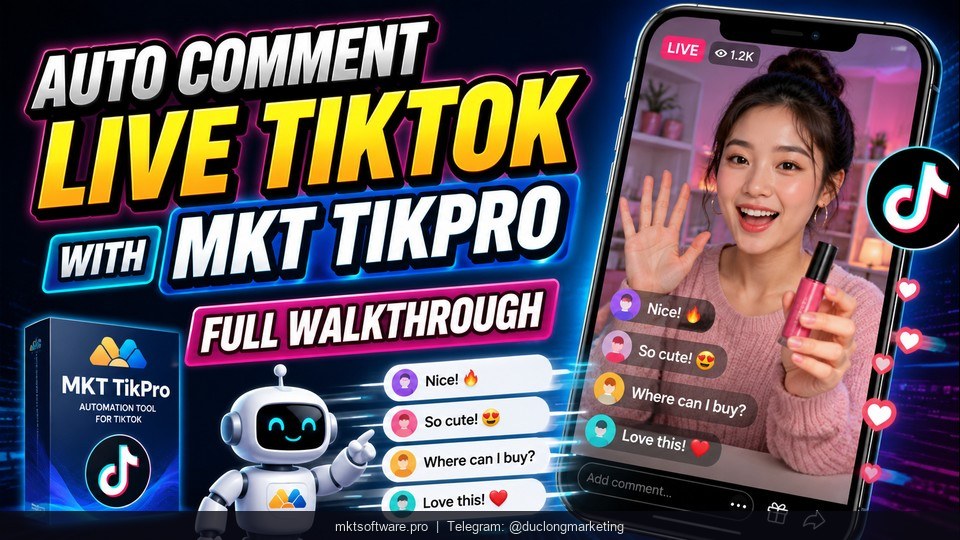
Auto Comment Live TikTok With MKT TikPro — Full Walkthrough
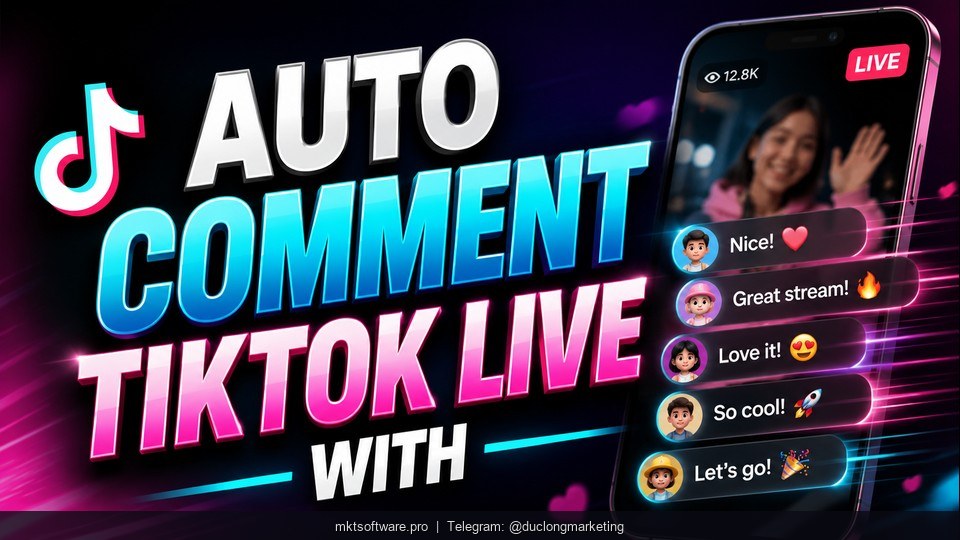
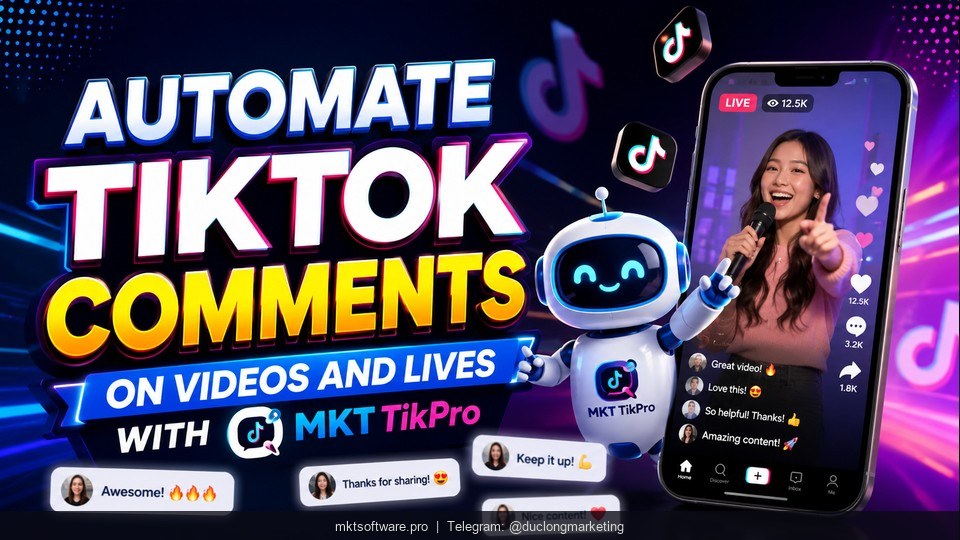
Auto comment live TikTok is the feature that keeps your livestream engagement high while you focus on selling — no more splitting attention between presenting products and typing comments. MKT TikPro handles real-time commenting on TikTok live streams with configurable scripts, natural timing delays, and multi-account support that simulates organic viewer engagement. Contact my Telegram to receive full information about pricing and setup.
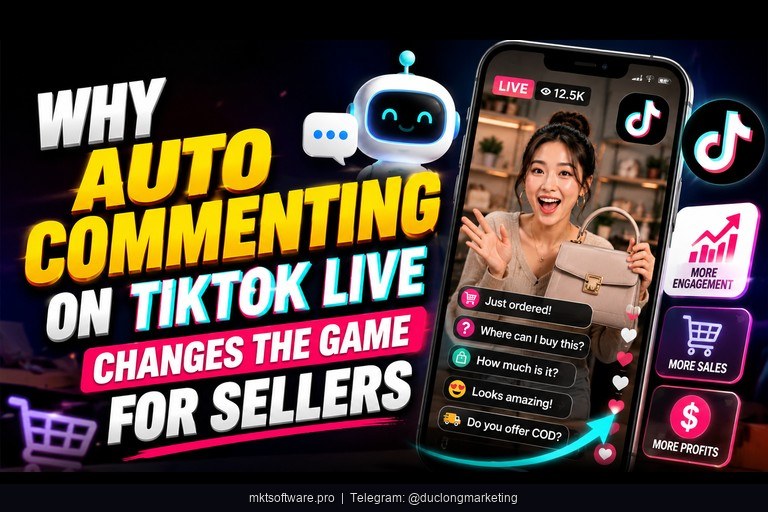
I. Why Auto Commenting on TikTok Live Changes the Game for Sellers
Quick answer: TikTok live streams convert viewers into buyers when comments flow fast — auto commenting keeps engagement high, triggers the algorithm to push your stream to more viewers, and lets you focus entirely on presenting instead of typing.
The reality for most TikTok live sellers: you are presenting a product, answering questions, demonstrating features, and trying to close sales — all at the same time. Adding “type engaging comments to keep the feed alive” to that list is physically impossible for one person. Yet comment velocity is exactly what TikTok’s algorithm uses to decide whether to push your stream to new viewers.
When comments slow down, the algorithm reads that as declining interest. Viewer count drops, TikTok reduces distribution, and potential buyers who just arrived see a quiet stream and leave. The cycle feeds itself — fewer comments lead to fewer viewers lead to fewer sales.
Auto comment live TikTok solves this by running pre-written comment scripts in the background while you sell. MKT TikPro delivers real-time commenting with configurable timing delays, keyword triggers, and script rotation across multiple accounts. Your stream stays active, the algorithm keeps pushing it, and you never take your eyes off the camera.
II. How Auto Comment Live TikTok Works in MKT TikPro
Quick answer: MKT TikPro’s commenting engine auto-comments on TikTok live streams in real-time — you configure comment scripts, set timing intervals, and the software rotates messages across your accounts to simulate natural viewer engagement.
The system works through two complementary approaches. First, direct livestream interaction: your accounts watch, like, and comment on the target stream in real-time, mimicking how real viewers engage. Second, livestream seeding: MKT TikPro boosts views, hearts, comments, and shares at volume to create the social proof that attracts organic viewers.
Comment targeting is flexible. You can aim at a specific livestream by ID, trigger comments on streams matching target keywords, or engage across trending hashtag content. The auto-reply capability adds another layer — when viewers comment on your own stream, MKT TikPro responds automatically to maintain the back-and-forth conversation that keeps engagement metrics climbing.
Safety features include configurable delays between actions (typically 15-60 seconds between comments), individual proxy isolation per account, and natural message variation through script rotation. These measures reduce detection risk compared to rapid-fire identical comments from a single IP.
1. Frequently Asked Questions
How does auto comment live TikTok work in MKT TikPro?
MKT TikPro connects to your TikTok accounts via proxies and sends pre-written comments to target livestreams at configurable intervals. You write comment scripts with multiple variations, set timing delays between messages, and the software rotates them across accounts to simulate natural viewer engagement.
Is auto commenting on TikTok live safe for my accounts?
MKT TikPro uses individual proxies per account, configurable delays between actions, and message variation to reduce detection risk. Setting natural timing intervals (15-60 seconds between comments) and using diverse comment scripts further mimics human behaviour.
Can I auto comment on other sellers’ livestreams to attract their viewers?
Yes. You can target any public livestream by ID or by keyword. This lets you comment on competitor or niche-related streams to attract viewers to your own profile — a common strategy for TikTok Shop sellers building audience.
Does MKT TikPro support auto-reply during my own TikTok live?
Yes. The auto-reply feature responds to comments on your own posts and livestreams, maintaining back-and-forth engagement that signals to TikTok’s algorithm that your content is generating genuine conversation.
III. Every Auto Comment and Livestream Feature in MKT TikPro
Quick answer: MKT TikPro combines commenting features (auto-comment by ID, keyword, hashtag, and auto-reply) with livestream seeding (boost views, hearts, comments, shares) and account interaction boost (watch, like, comment in real-time) to give you full control over TikTok live engagement.
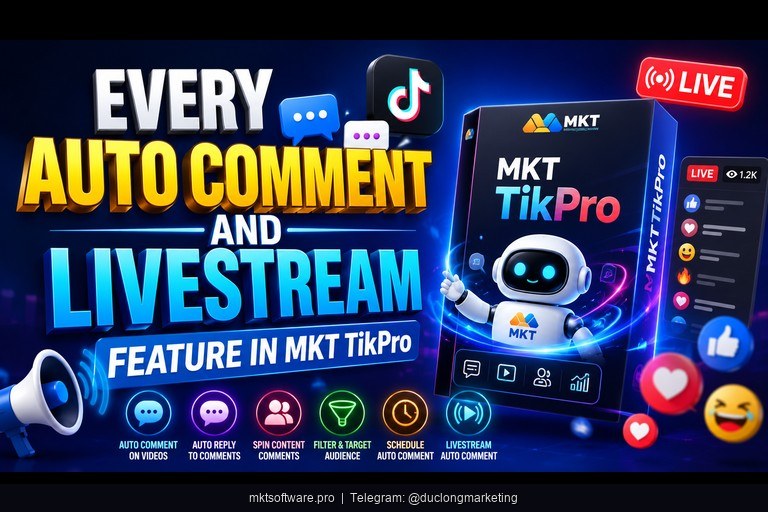
1. Commenting Features — Scripts, Keywords, and Auto-Reply
The commenting engine targets content through multiple methods:
| Commenting Method | How It Works | Best Use Case |
|---|---|---|
| By Livestream ID | Auto-comments on a specific live stream you target | Your own streams or competitor streams |
| By Keywords | Comments on streams containing target keywords | Niche-relevant livestreams in your market |
| By Trending Hashtags | Comments on trending hashtag content | Riding viral moments for visibility |
| Auto-Reply | Responds to comments on your own streams | Keeping engagement threads alive during your live |
Script rotation is key to natural engagement. You write 10-20 comment variations per campaign — product questions, reactions, emoji responses, and interest signals — and MKT TikPro rotates them randomly so no two consecutive comments look identical.
2. Livestream Seeding and Interaction Boost
Beyond commenting, MKT TikPro’s livestream seeding module boosts views, hearts, comments, and shares simultaneously. This creates the appearance of an active, popular stream — which in turn attracts organic viewers who see high engagement and stay longer.
The account interaction boost feature adds depth: accounts watch the stream, like content, and comment in real-time — each action mimicking what a genuine interested viewer would do. Combined with UID seeding (interacting directly with a list of target users watching the stream), you control the entire engagement funnel from viewer count through to comment velocity.
All interactions run with configurable timing between actions. You set delays that match natural human pace — no machine-gun commenting that flags accounts. For Facebook live sellers who also need commenting automation, MKT Care covers that platform with similar capabilities. For broader TikTok account management beyond live commenting, the full MKT TikPro suite handles bulk posting, following, and cart tagging.
IV. Set Up Auto Comment Live TikTok in 4 Steps
Quick answer: from installation to your first live auto-comment campaign takes under 30 minutes — support configures the software, you write your comment scripts, target the livestream, and launch.
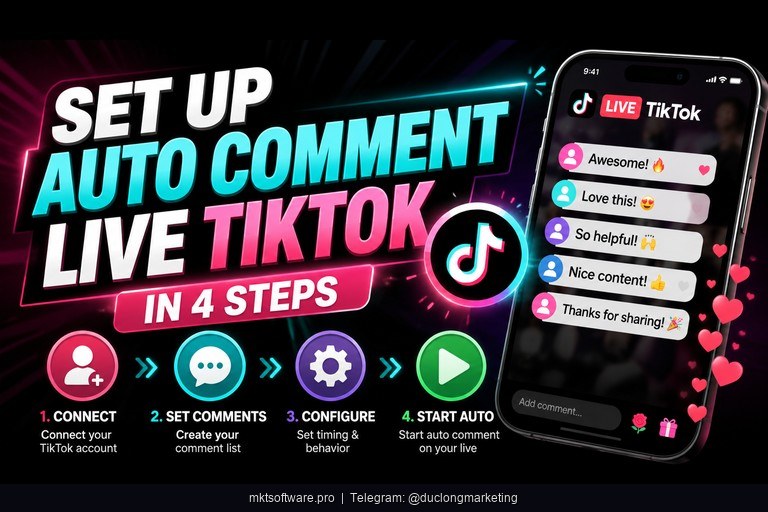
Step 1: Contact Telegram and receive installation. The MKT Software team installs MKT TikPro on your machine and gives hands-on training. They walk you through the commenting interface specifically so you are ready to run your first live campaign immediately.
Step 2: Import TikTok accounts and assign proxies. Each account gets its own proxy for safe isolation. Group your commenting accounts separately from your selling accounts for clean management.
Step 3: Write comment scripts with 10-20 variations. Mix product questions (“How much is this?”), reactions (“This looks amazing!”), interest signals (“Can you show that again?”), and emoji responses. The more diverse your scripts, the more natural the engagement looks.
Step 4: Target the livestream, set timing delays, and launch. Enter the livestream ID or keyword target, set comment intervals (15-60 seconds is optimal), and start. Monitor the dashboard for real-time activity logs showing exactly what was commented and when.
Over 50,000 customers already use MKT Software to grow their social media sales. The pay-once licensing model means no recurring fees, free updates during your license period, and a 100% money-back guarantee within the first 7 days. Every customer gets 2 dedicated support staff via Zalo for the entire usage period. Contact my Telegram to receive full information about pricing and your specific live selling setup.
V. Tutorial Video Auto Comment Live Tiktok
Watch the full video walkthrough of setting up auto comment on TikTok live — from writing comment scripts to targeting a livestream and monitoring real-time engagement in the MKT TikPro dashboard.
Conclusion
Auto comment live TikTok with MKT TikPro keeps your livestream engagement high without splitting your attention between selling and typing. The commenting engine, livestream seeding, and auto-reply features work together to maintain comment velocity, attract organic viewers, and signal to TikTok’s algorithm that your stream deserves wider distribution. The pay-once model and 7-day money-back guarantee make testing it risk-free. Contact my Telegram to receive full information and set up your first auto-comment live campaign today.