Discover how auto comment reply Facebook tools can automate replies, boost interaction, and convert comments into leads effortlessly in 2025.
🚀 Introduction
In 2025, every second counts in digital marketing — especially on Facebook. When a potential customer comments on your post, you need to reply fast, reply right, and turn engagement into action.
But let’s be honest: replying manually to dozens or even hundreds of comments is impossible to scale. That’s why smart marketers are using auto comment reply Facebook tools.
In this article, you’ll learn:
-
What auto comment reply Facebook automation really is
-
Why it’s essential for conversion
-
The best tools to use
-
And how to set it up without getting flagged
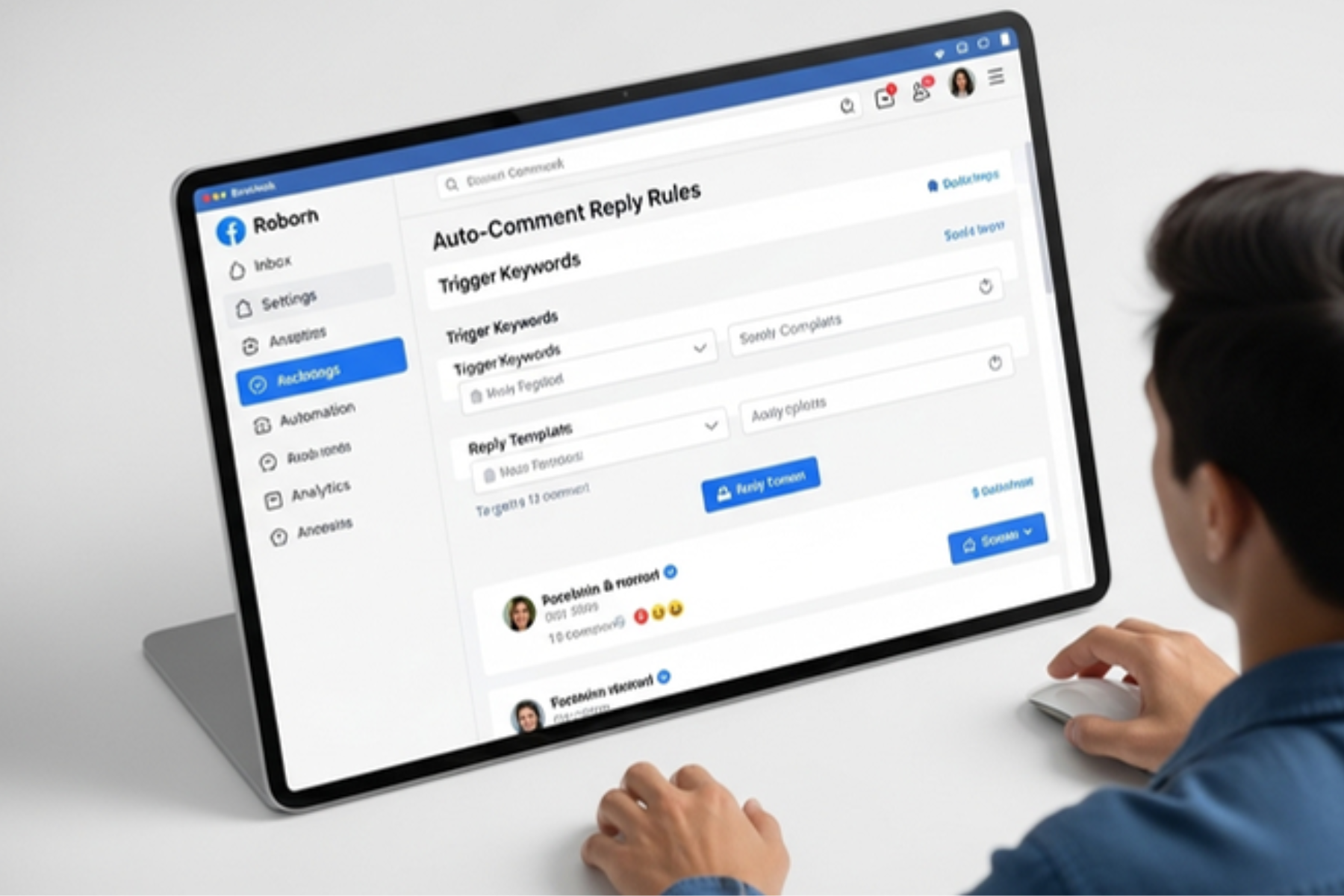
🤖 What Is Auto Comment Reply Facebook?
Auto comment reply Facebook refers to using automation software to respond to comments left by users on your Facebook page, post, or ad — instantly and automatically.
You can configure:
-
A comment reply triggered by specific words or phrases
-
A general reply to every comment
-
A combination of comment reply + inbox message
-
Custom reply delays, emojis, images, or even links
This approach is a game-changer in lead generation, especially when paired with chatbots, comment triggers, and smart remarketing.
📈 Why You Need Auto Comment Reply on Facebook in 2025
Here’s why this is no longer optional:
| Advantage | Explanation |
|---|---|
| ⚡ Speed | Reply instantly — even at midnight |
| 🔄 Consistency | Everyone gets a reply, no one feels ignored |
| 💬 Engagement | More replies = more reach on Facebook |
| 💰 Conversions | Comments lead to inbox → inbox leads to sale |
| 🧠 Data | Collect user intent based on comment content |
Facebook prioritizes conversations. When you auto reply to comments, you show your page is active — and that makes the algorithm love you more.
🛠️ How Auto Comment Reply Facebook Works (Step-by-Step)
Let’s use an example workflow from ManyChat or MKT Post:
Step 1: Connect Your Fanpage
Use Meta API, cookie login, or access token.
Step 2: Choose Your Trigger
Set your tool to respond when:
-
Anyone comments
-
Someone uses a keyword (e.g., “price”, “how much”, “inbox”)
-
Someone replies to your comment
Step 3: Write Reply Templates
Keep them short, natural, and emoji-friendly:
Use spintax like:
Step 4: Set Delay + Filters
-
Reply instantly or after 2–3 seconds
-
Filter: Reply once per user / once per comment
Step 5: Launch Campaign
Test with a few comments and monitor reply quality.

📢 Real-World Use Cases
Auto comment reply Facebook isn’t just a “hack” — it’s a legitimate customer support and sales tool. Examples:
-
Product Launches
-
“Comment ‘YES’ for a free sample!” → tool auto replies + sends inbox message
-
-
Giveaways
-
“Tag a friend to enter” → auto reply confirms entry
-
-
Flash Sales
-
“Reply ‘code’ for 10% off” → reply with discount link + inbox trigger
-
-
Q&A Posts
-
Auto-reply to FAQs (“price?”, “how long?”, “location?”)
-
🔐 Is It Safe?
Yes, but only if:
-
✅ You don’t overuse replies (avoid replying 100x per hour)
-
✅ You randomize content (no duplication)
-
✅ You pair with inbox only when relevant
-
✅ You test before scaling
-
✅ You avoid clickbait or banned phrases (Facebook monitors behavior closely)
Use comment replies as a customer service tool, not spam bot.
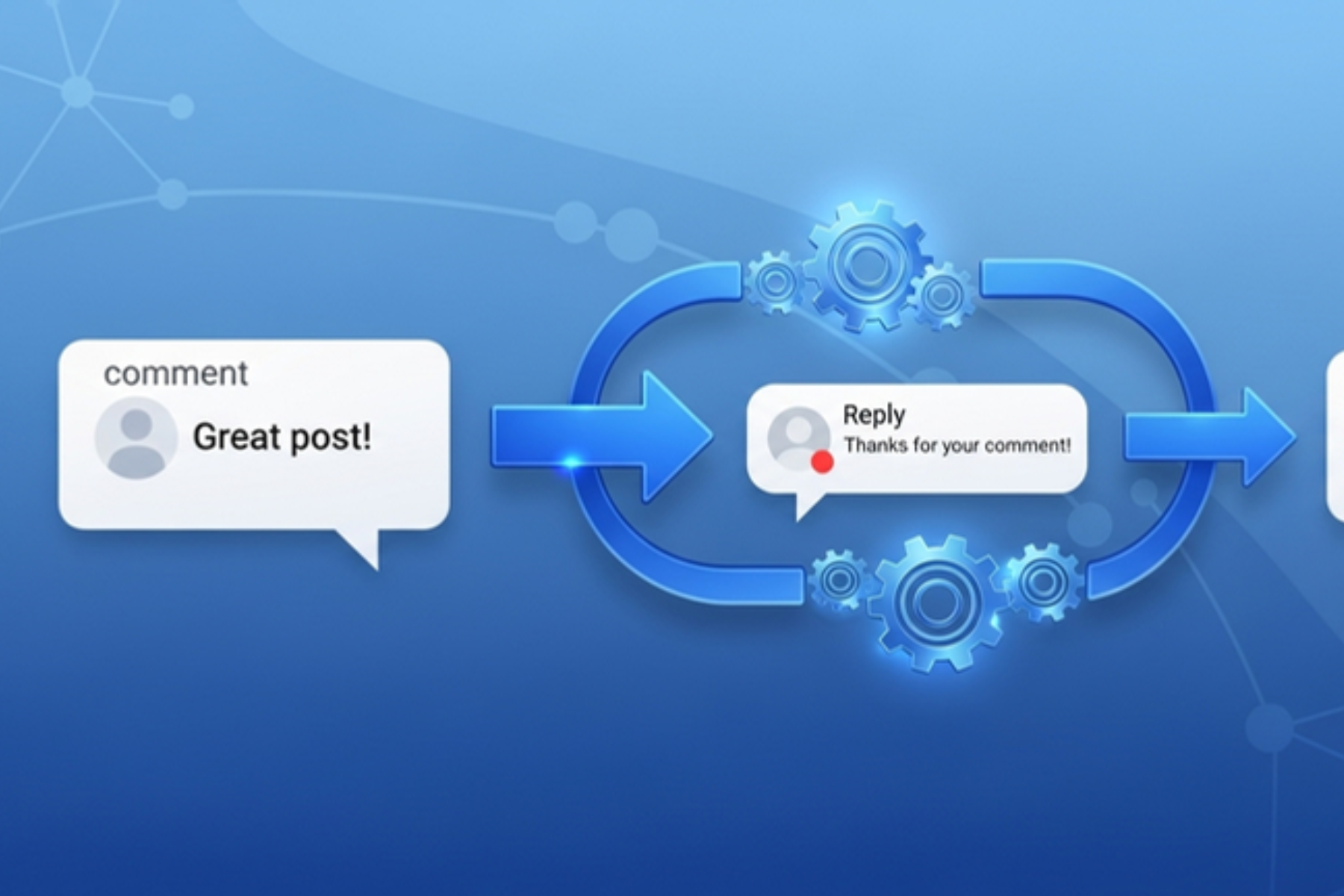
💼 Best Auto Comment Reply Facebook Tools (2025)
| Tool | Features |
|---|---|
| ManyChat | Reply to comments + start Messenger automation flow |
| MKT Post | Smart reply system with Spintax + multi-account support |
| Chatfuel | Rule-based response setup with fallback message logic |
| Meta Business Suite (limited) | Manual saved replies, not truly automated |
| Custom Scripts + Graph API | Best for developers who want full control |
📊 Results from Using Auto Comment Reply Facebook Tools
| Metric | Result |
|---|---|
| Inbox Open Rate | 85–95% (much higher than email) |
| Response Speed | Instant (vs. hours manually) |
| Comment Conversion | +150% compared to no-reply |
| Page Reach | +30–50% boost in organic exposure |
| Time Saved | 10–30 hours per week for active pages |
💡 Best Practices
✅ Add value in replies — don’t just say “OK”
✅ Use questions to drive replies (“Do you prefer A or B?”)
✅ Personalize with first names if possible
✅ Mix auto reply with real manual comments
✅ Use emojis and casual tone to stay conversational
🧩 Final Thoughts
Auto comment reply Facebook tools are a must-have in 2025 for any page, brand, or marketer serious about scaling.
They save time, improve engagement, and convert curious followers into loyal customers — all on autopilot.
Start small, experiment, and scale once it’s working. It’s the best employee you never hired.
🔗 Call to Action
💬 Want to start replying to comments automatically — even while you sleep?
Try our Auto Comment Reply Facebook Tool now.
✅ Free trial available + onboarding support
📩 Contact us via What’s app | Telegram | Website